Proposals
Overview
Proposals is where your team turns a funding opportunity into a submitted application. It picks up exactly where Discovery leaves off: the moment you find a grant worth pursuing, Atom turns the full solicitation into a clear, shareable plan and helps your team get a stronger proposal out the door.
Who it is for
Proposals supports the two groups who move a grant from idea to submission:
- Faculty and research teams. Whether a single PI writes a proposal or a team builds it together, everyone gets one place to see what is required, who is doing what, and how drafts are shaping up. Add anyone from your institution, and invite external collaborators too, each as a Principal Investigator or a collaborator.
- Research development and sponsored programs staff. When a researcher starts a proposal, your office is notified automatically. From the proposals board, admins see every application in progress across a department without chasing status updates.
Why it matters
For faculty, it removes the busywork around the writing. Solicitations are long, and the real requirements are buried across dozens of pages. Atom reads the whole thing and pulls out exactly what you need to submit, what each document must contain, and when it is due. When you are ready, AI reviews catch the gaps before anyone else sees the draft.
For research offices, it turns scattered activity into a visible pipeline. You see proposals as they start, track them toward submission, and know which compliance documents each one needs. That means less time reconstructing where things stand and more time helping researchers win.
Atom handles the requirements, the reviews, and the coordination, so your team's time goes into the science. Drafting stays wherever your team already writes (Word, Google Docs, or your shared team space), and Atom carries the work on either side: building the plan up front, then organizing documents and reviewing drafts before submission.
How it works
The rest of this section walks through the flow in the order you will use it:
- Create a proposal from any grant.
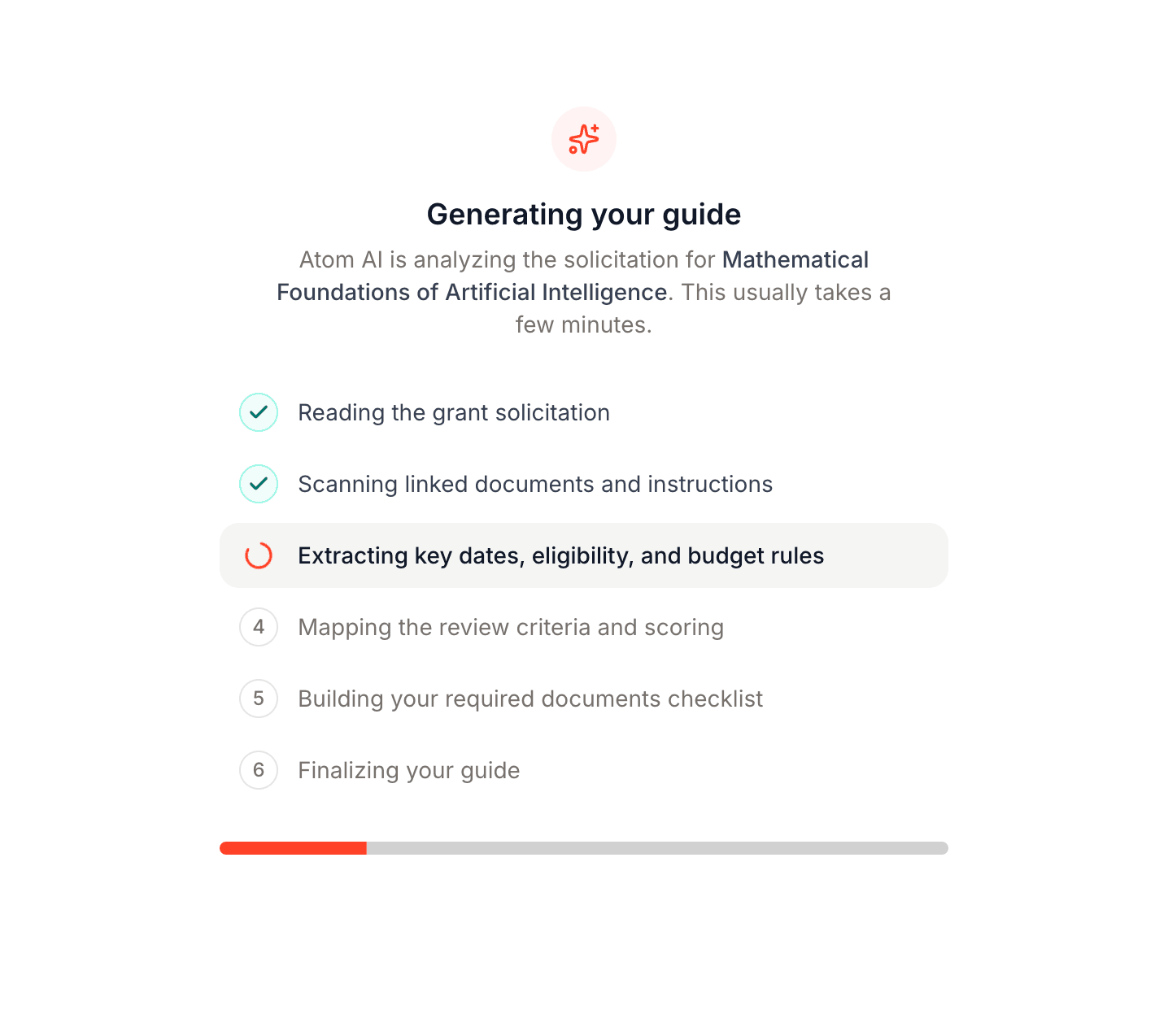
- Get an auto-generated guide of every requirement.
- Assign documents and run AI reviews as drafts come in.
- Collaborate and export the final package, with the proposals board for admins.
Administrators can shape all of it up front with organization rules: the instructions Atom follows when it writes a guide, the documents and templates every proposal starts with, and who in your office is notified as drafts come in.