For administrators
Onboarding your institution
Onboarding sets up your organization on Atom and brings your researchers on board. It is available to organization owners.
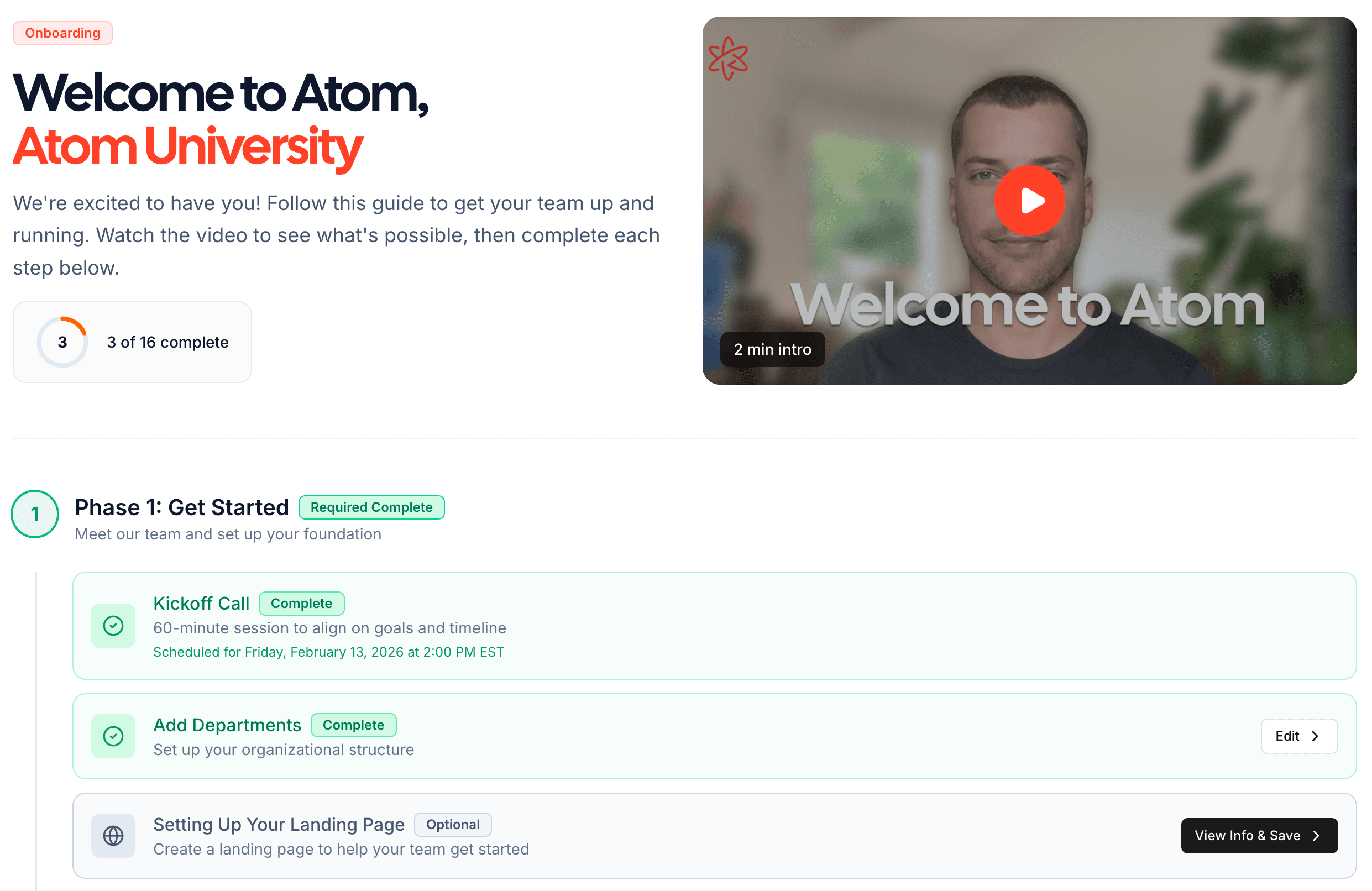
Set up your organization
Start by entering your organization's details, such as its name, email domains, and primary contact, so Atom is configured for your institution.
Single sign-on and custom email domains are set up with your IT team. Onboarding lets you email your IT contact directly and tracks each request from contacted through to complete.
Bring your researchers on
Once your organization is set up, invite your researchers and organize them into departments.
Configure your organization
Enter your organization details so Atom is set up for your institution.
Invite researchers
Add researchers individually or import a list. Send invitations right away or schedule them for a later date. Atom automatically reminds anyone who has not signed in yet, on the third and tenth business days after their invite. You can also resend invites yourself at any time.
Organize into departments
Group researchers into departments so you can filter and report on activity by unit.
The more complete your researchers' profiles and research interests, the better Atom's matching. Encourage your team to finish setup so their dashboards fill with relevant grants.
Next, learn about managing researchers day to day.