Collaborators
Faculty directory
Atom builds a searchable directory of every researcher at your institution, so you can find the right expertise in seconds.
Collaborators is available when your institution's Atom subscription includes it. Once Atom turns it on, everyone in your institution gets access right away, with no need to sign in again. If Collaborators isn't in your sidebar, contact Atom to add it.
A directory that builds itself
Atom auto-builds a profile for every researcher from publications, prior funding, ORCID, and your institutional directory, with no setup required from faculty. Profiles refresh daily as new papers and awards land.
Search by expertise
Search in plain English and get a ranked list of the right people. Atom classifies your query and routes it to the right kind of search automatically, whether you typed a name, an email, an institution, or a research subject. Subject searches use the same hybrid semantic search engine that powers grant Discovery, pointed at your own faculty, so you match on what people actually work on rather than keyword overlap.
- Auto-built profiles for every researcher, with zero faculty setup.
- Semantic search over expertise, abstracts, and funding history.
- Name and email search also checks alternative names, such as maiden names and other spellings.
- University search is alias-aware, so "MIT" finds the right roster.
- Filter by university, location, or career stage.
- Career history, including degrees and past positions, pulled in from university faculty directories and ORCID to sharpen eligibility and fit.
Searching by expertise often surfaces people the org chart hides. An early-career researcher with three on-topic papers can rank ahead of a senior PI whose recent work has drifted.
Viewing a profile
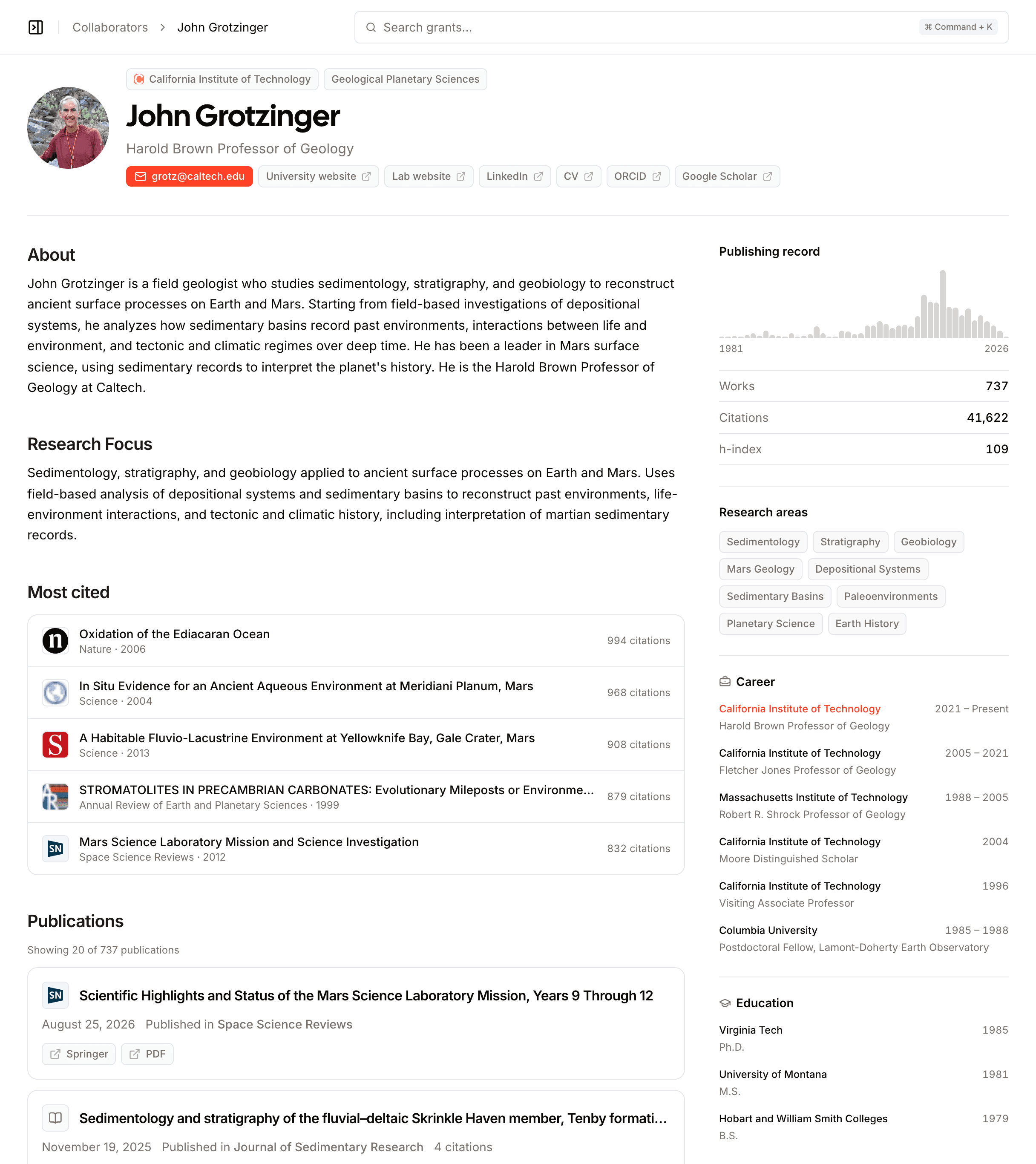
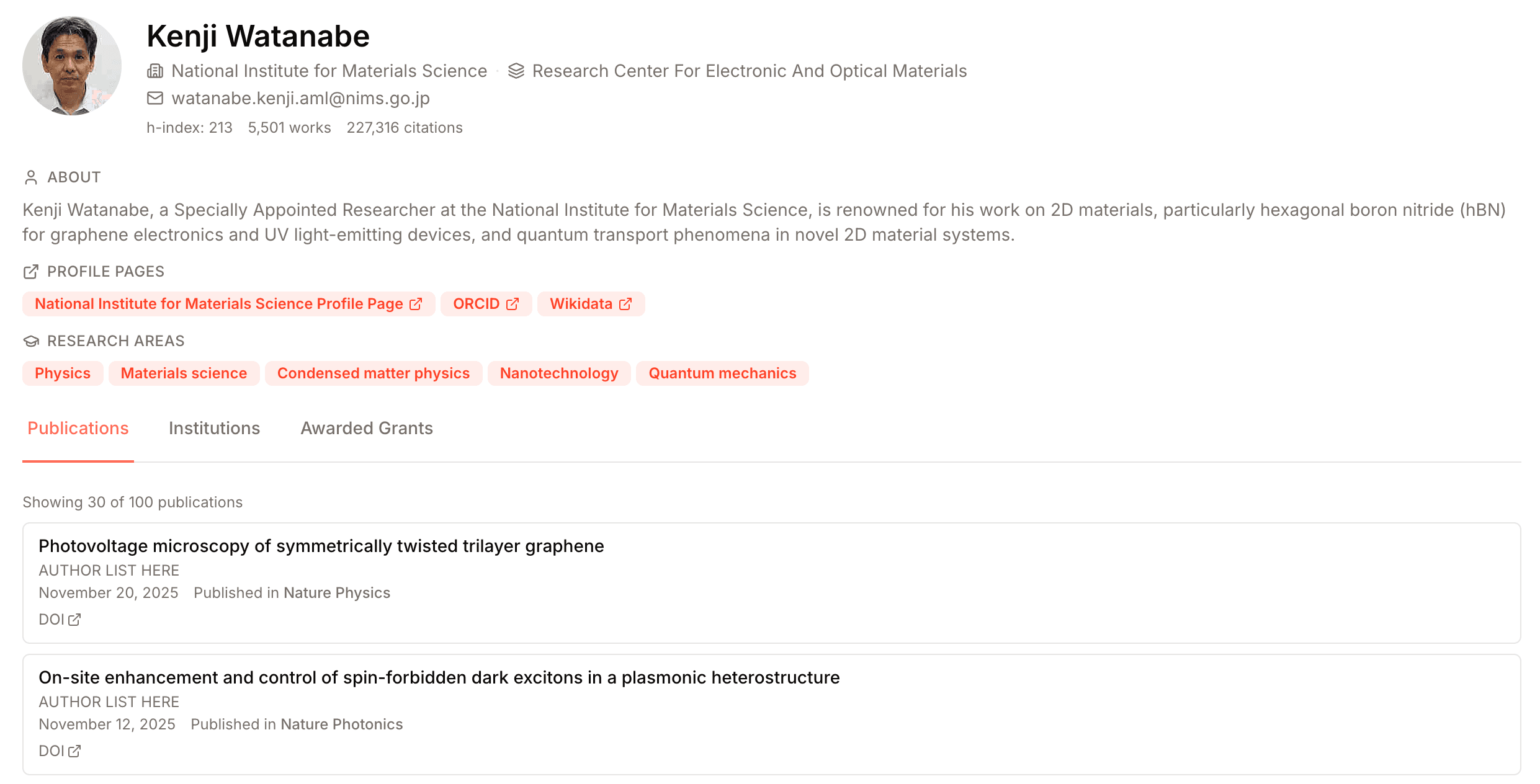
Select a result to open the researcher's full profile: About and Research Focus, most cited works, and a full publications list on the left, with a facts rail on the right showing their publishing record, research areas, career and education history, and where they publish. The rail stays in view as you scroll the publications, and on mobile it sits between About and the publications list. Select the institution or department chip at the top of the profile to see everyone else in that group. Profile links use the researcher's name rather than a long identifier, and older links redirect automatically.