Getting started
Quickstart
This guide walks you through setting up Atom and finding your first matched grant. It takes about five minutes.
Before you begin
You will need an Atom account. If your institution already uses Atom, sign in with your work email. If not, request a demo and our team will help you get set up.
Set up your account
Sign in
Go to your Atom sign-in page and log in with your institutional email.
Complete your profile
Add your name, department, and a short bio. This helps Atom match opportunities and helps collaborators find you.
Add your research interests
Describe what you work on using keywords, a sentence, or a full abstract. Atom uses this to personalize your grant feed, and you can even import it from your publication record. These interests start your first project, and you can add more projects later for other lines of work.
Find your first grant
Once your interests are set, your Dashboard fills with opportunities matched to your work.
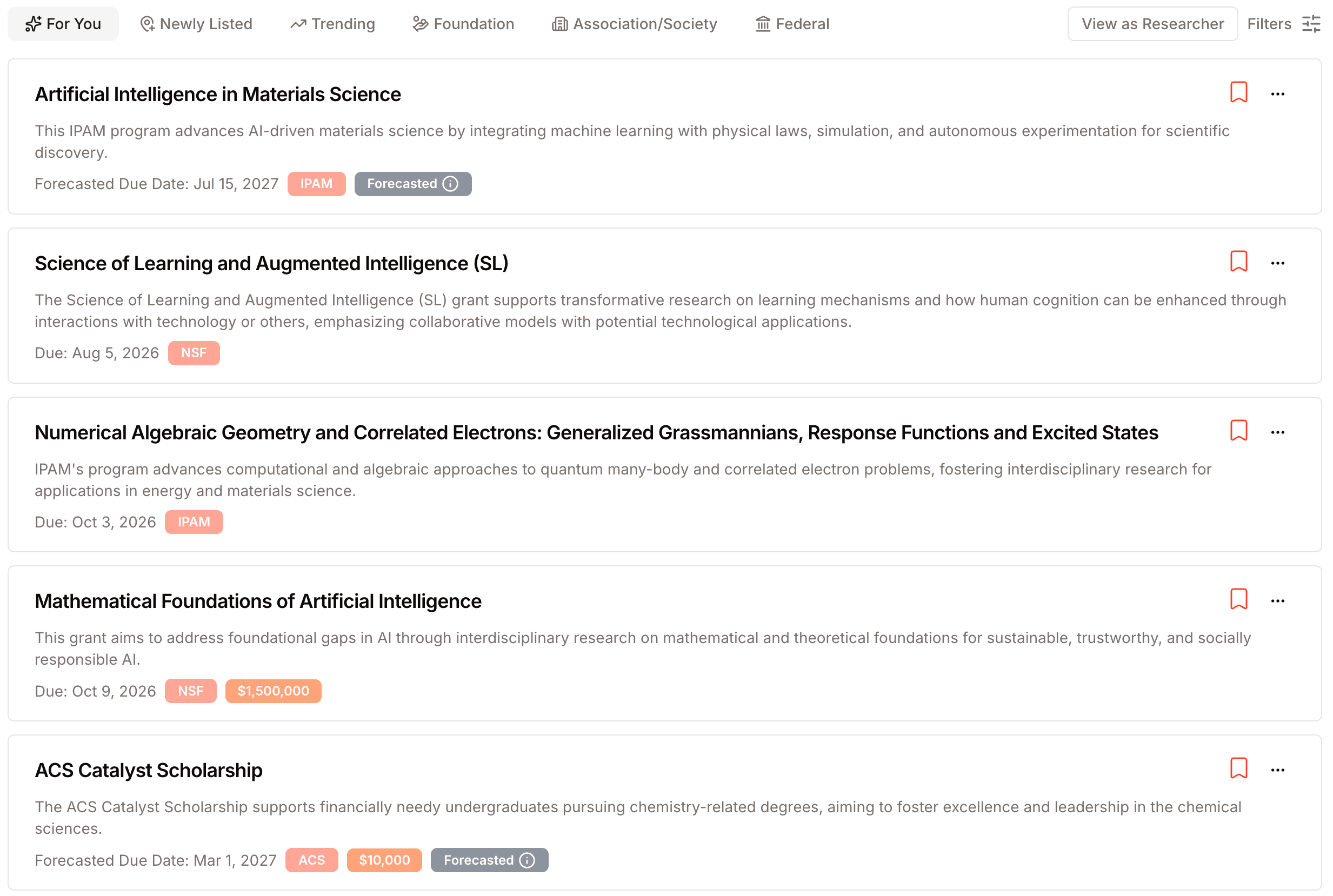
From here you can:
- Open any grant to read a full summary, eligibility assessment, and key dates.
- Save grants you like to a list with the star icon.
- Start a proposal directly from a grant when you are ready to apply.
Set your email digest frequency in settings to get new matches delivered weekly, every two weeks, or monthly.
Next steps
You are ready to explore. A few good places to go next: