For administrators
Managing researchers
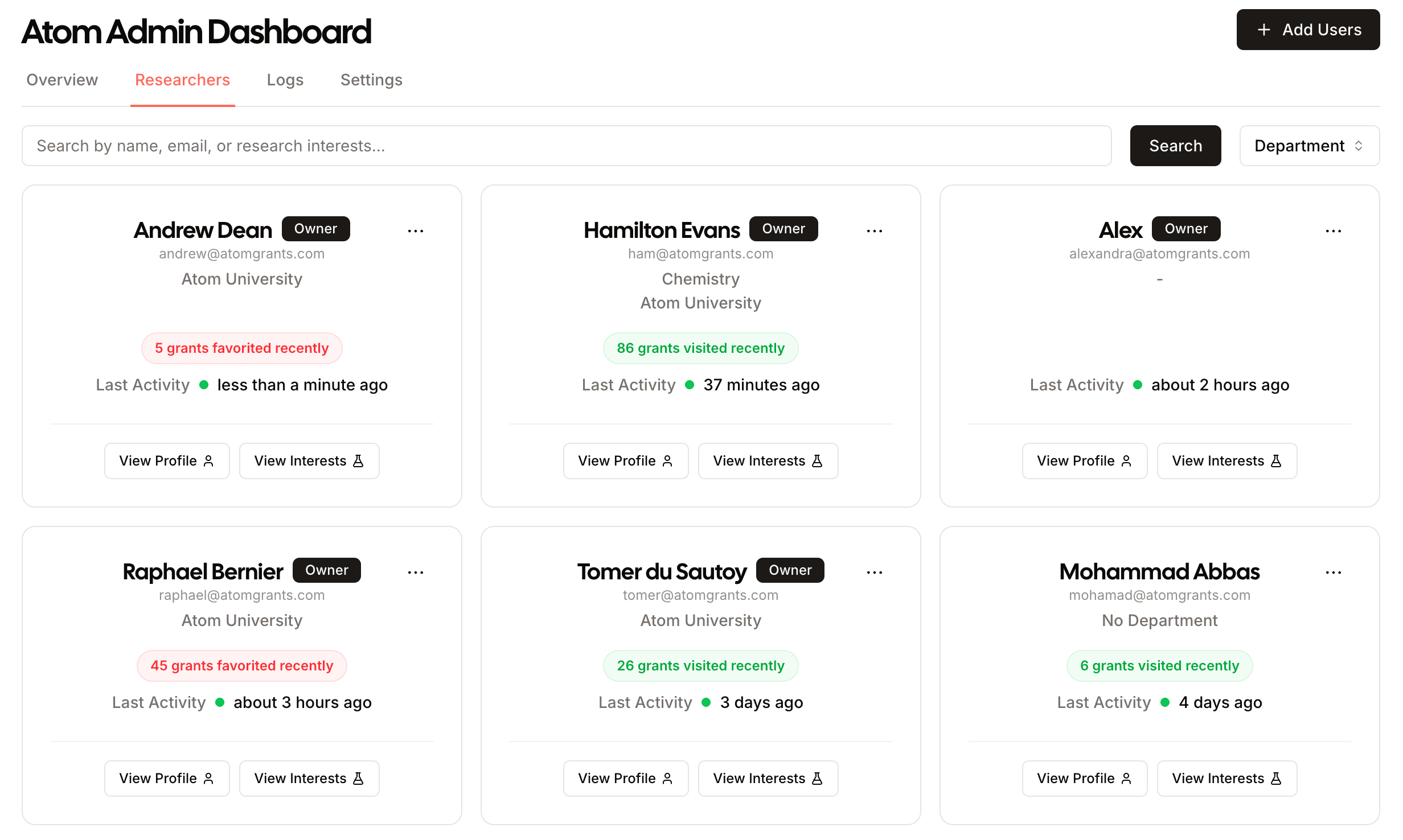
The researcher tools let administrators invite, organize, and support everyone in your group. The table shows each researcher's job title, and Quick filters can narrow the list by job type: Professors, Students, Staff, or Other. Select more than one to include each of them, so choosing everything except Students hides students from the view.
Inviting researchers
Invite people individually or import a list to invite many at once. You can track who has been invited and who has accepted, and send reminders to those who have not joined yet.
Bulk import walks you through four steps: upload a CSV, map its columns, assign departments, then review and send. Your file needs a name, email, one or more departments, job title, an admin flag, and whether to send the invite. Assign more than one department to a person by separating them with a semicolon.
Resending invites
Atom reminds anyone who has not signed in on the third and tenth business days after their invite. To follow up sooner, resend invites yourself.
To resend to one person, select Resend Invite in the Last Active column of the table view. It appears for everyone who has not signed in yet.
To resend to many people at once:
Filter to Never signed in
On Researchers, open Quick filters and choose Never signed in. Add a department, role, or search to reach only part of your group.
Choose who to invite
Select Send all invites to invite everyone in the view. To invite only some of them, select Select, check the researchers you want, then select Send invites.
Confirm
Check the number of researchers and confirm. Invites go out in the background, each with a fresh sign-in link.
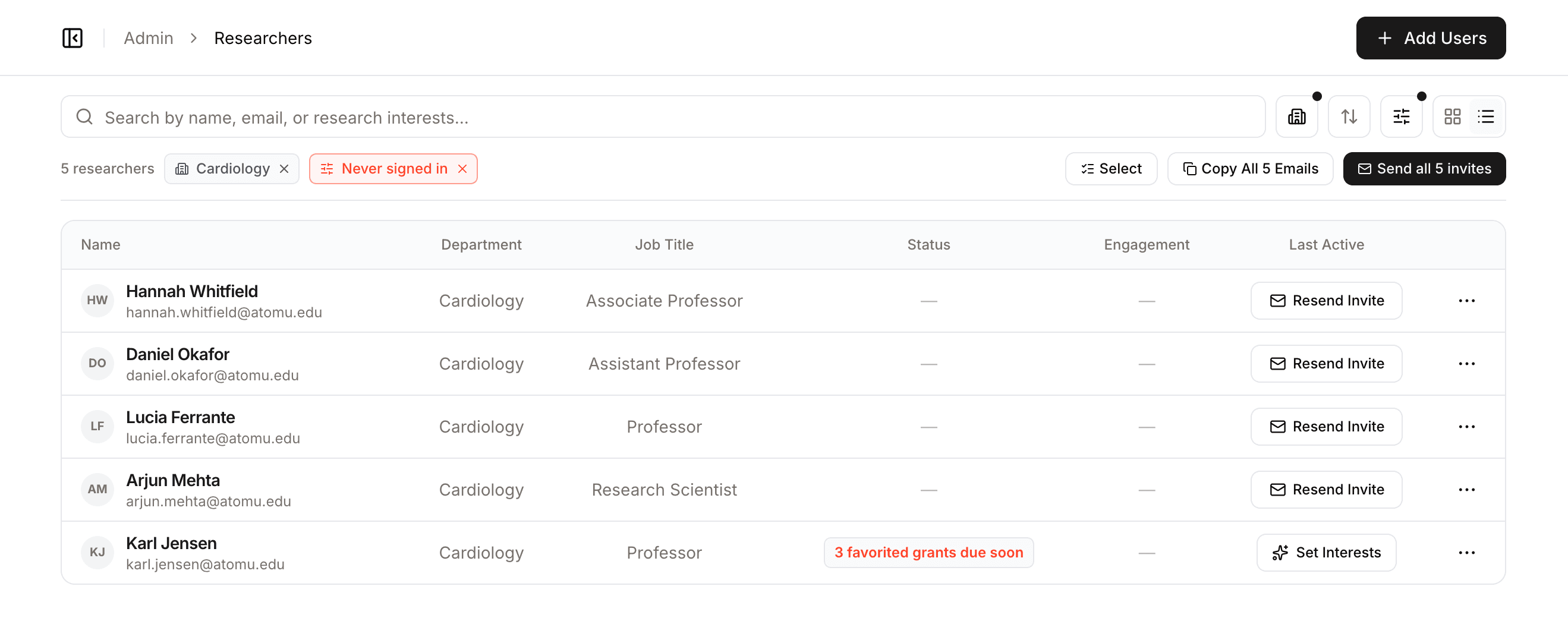
Anyone who received an invite in the last three hours is skipped, so sending twice does not email the same person twice. To write your own note instead, select Copy All Emails and send it from your inbox.
Roles
Atom has three roles:
| Role | Can do |
|---|---|
| Member | Use Discovery and Proposals as a researcher. |
| Admin | Everything a member can, plus manage researchers, view analytics, and set proposal rules. |
| Owner | Everything an admin can, plus organization setup. |
See Roles and permissions for the full breakdown of each role and how to change someone's role.
Projects
Each researcher's page has a Projects tab listing their projects with roles, member counts, and interest counts. Open one to curate its research interests and eligibility, or select View feed to see their dashboard as that project and judge the match quality yourself. You can also create a project on a researcher's behalf: they become its lead PI and you join as an admin, which makes it a natural step during onboarding.
Departments
Organize researchers into departments to filter your dashboards and reports by unit. Departments also help researchers find colleagues working in related areas.
Invitations do not have to go out all at once. Schedule a send date that lines up with a kickoff email or training session, so researchers arrive when they already know what Atom does.