Proposals
Creating a proposal
You can create a proposal the moment you know you are applying, or earlier, just to see all the requirements before you commit.
Start from a grant
From any grant page, select Add Proposal. Creating a proposal notifies your administrators, so your research office knows the work has begun.
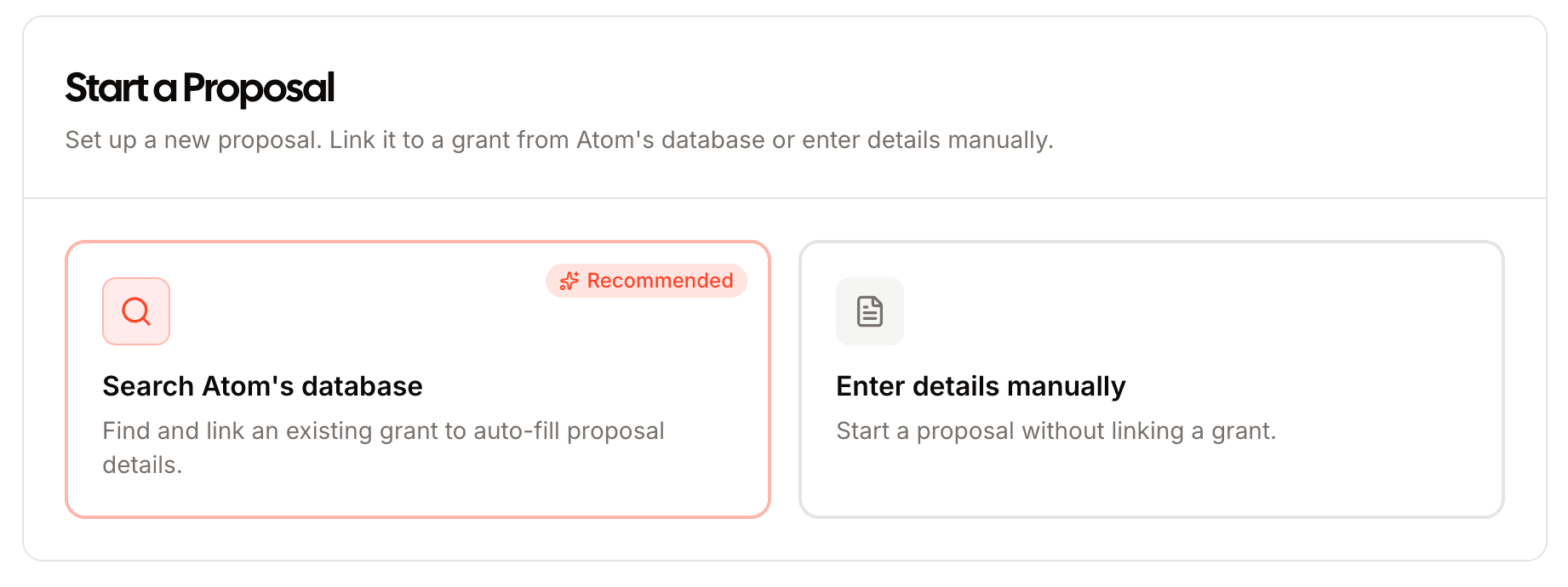
The three-step setup
Grant details
The funder, solicitation link, award amount, and due dates are pulled straight from the listing. Add your own university deadlines here too.
Your team
Add collaborators from your institution or invite external partners, each as a Principal Investigator or a collaborator.
Compliance
A quick set of checkboxes, such as human subjects, vertebrate animals, and clinical trials, tells Atom which documents your guide needs to include. Checking one adds the matching approvals and forms, like an IRB or IACUC approval, to your required documents and prerequisites.
Create the proposal early, even before you commit. Generating the guide up front gives you a complete picture of the requirements before you write a word.
Once you add the proposal, Atom builds your AI guide.